ERP Implementation Challenges (And How to Beat Them)
July 20, 2026 · 8 min read
Most ERP implementation challenges are predictable, which is the good news, because predictable problems are preventable ones. The projects that struggle rarely hit some exotic technical wall. They trip over the same handful of issues that trip up almost everyone: fuzzy requirements, messy data, people who never adopted the system, and a budget that quietly doubled. Name them early and you can plan around every one.
Here is the honest map of what actually goes wrong, in rough order of how often it sinks a project, along with the specific move that defuses each one. None of this requires you to be technical. It requires you to be prepared.
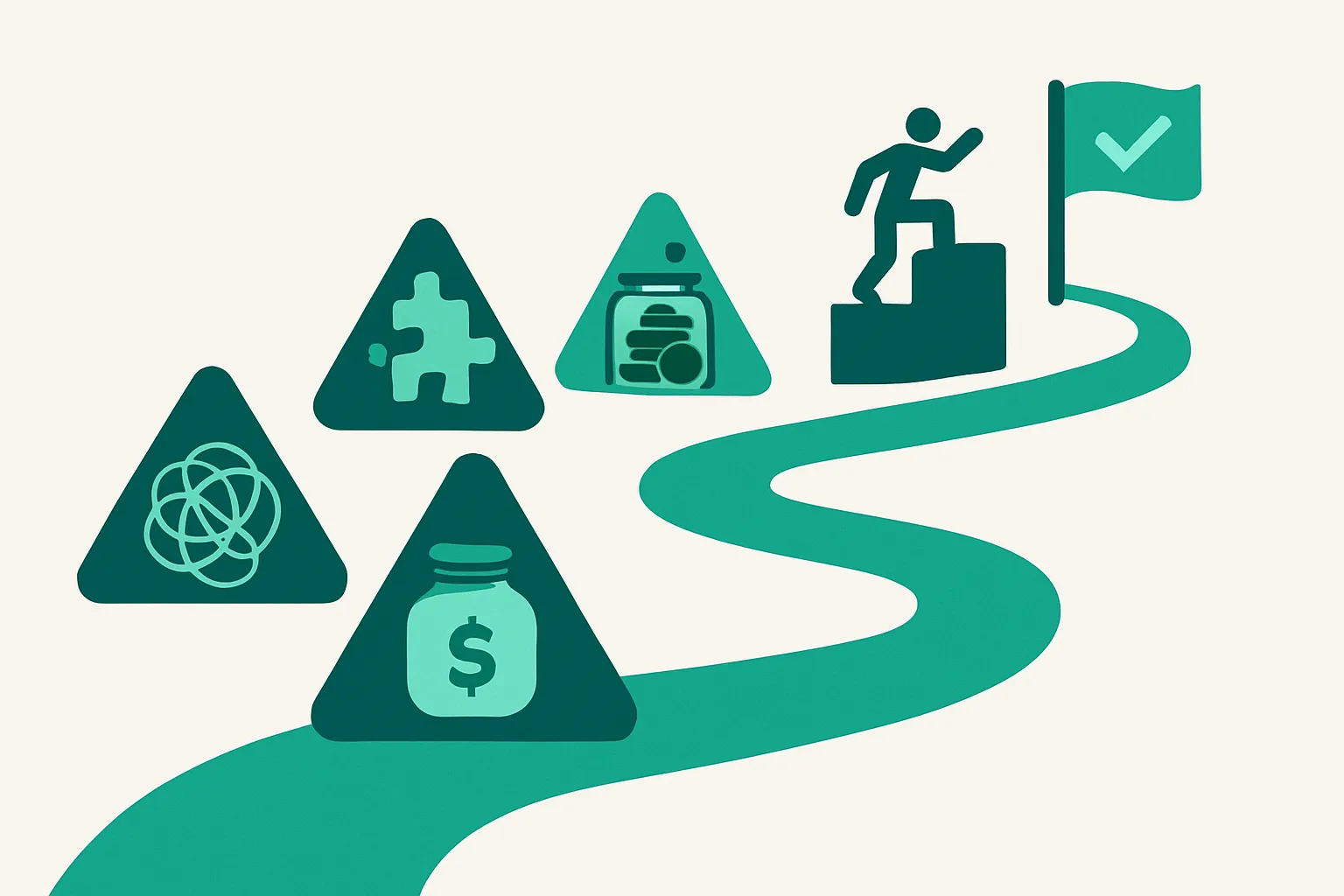
Challenge 1: Unclear requirements and scope creep
This is the root cause hiding behind most of the others. When nobody documented how the business actually runs before the project started, every design decision becomes a debate, and the scope swells one reasonable-sounding request at a time until the timeline is unrecognizable.
The fix is unglamorous and it works: map your real current-state processes before you sign anything, including the spreadsheets and workarounds nobody officially admits to. Then hold a firm line on phase one, and park the nice-to-haves in a phase-two list where they can wait without derailing go-live.
Challenge 2: Underestimated data migration
Data migration is the challenge everyone assumes is a formality and almost nobody budgets enough for. Legacy systems are full of duplicate customers, dead vendors, and inconsistent codes, and all of that mess scales the effort and the cost.
Decide early what history actually comes over. Open receivables, payables, and orders are non-negotiable; two years of transaction detail is a common compromise; everything older can often be summarized. Clean and dedupe before the move, not after, because data migrated dirty is just dirty data with a new interface.
Challenge 3: Poor user adoption
A perfectly configured system that your team refuses to use is a failed implementation, no matter what the go-live checklist said. Adoption fails when training is an afterthought, when people were never told why the change was happening, and when the folks who do the daily work had no voice in the design.
Involve the actual process owners from the start, not just leadership. Train on your real workflows with your real data rather than a generic demo company, and schedule that training close to go-live so it sticks. Adoption is a people project wearing a software project's clothes.
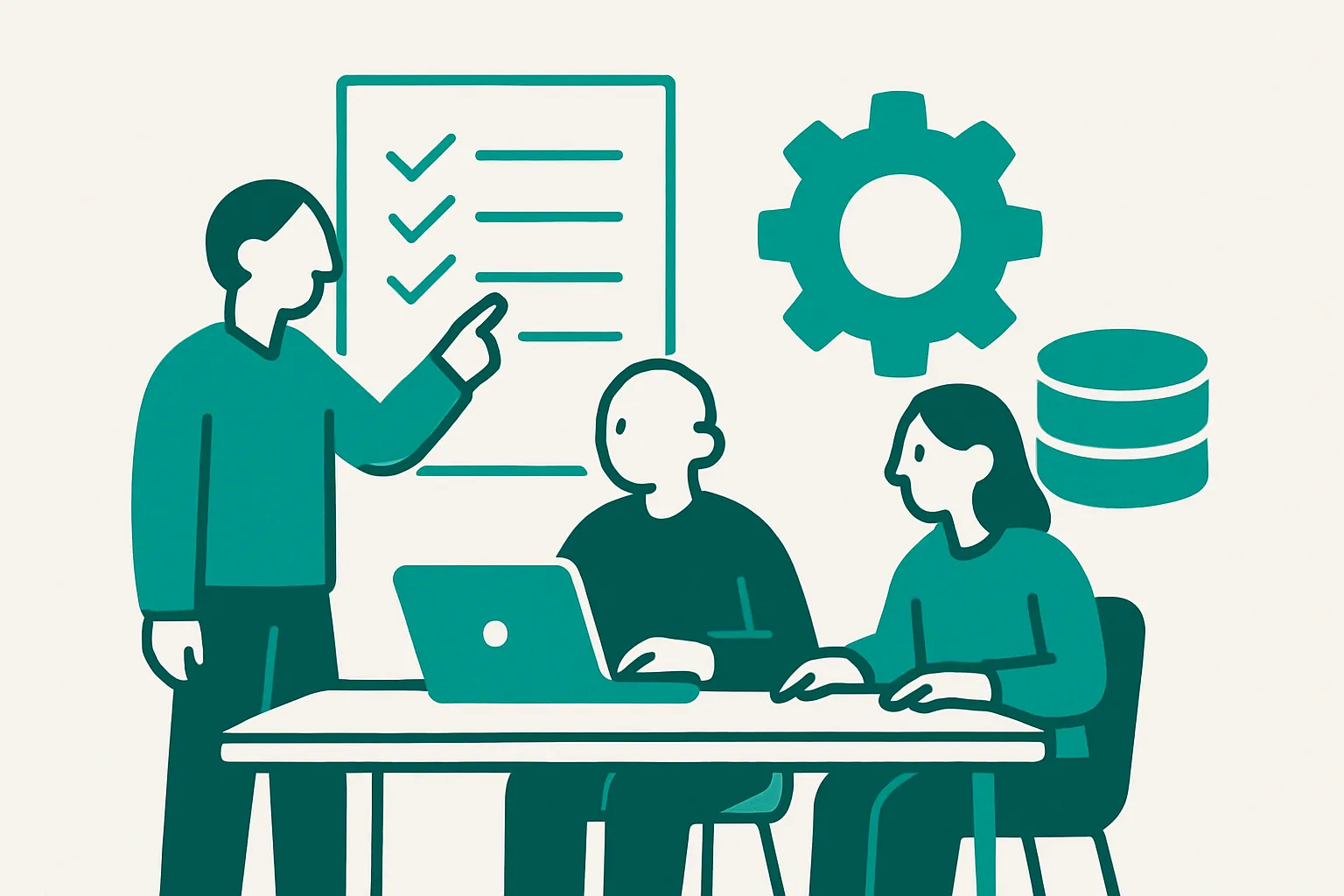
Challenge 4: Budget and timeline overruns
Overruns are so common that Panorama Consulting, which publishes a widely cited annual ERP report, finds them year after year, and the causes are almost always the softer challenges above rather than surprise licensing fees. Scope creep, migration rework, and adoption problems all show up on the invoice eventually.
Budget on the three-year total cost of ownership, not the year-one license, and remember the rule of thumb that implementation typically costs one to two times the first-year license. Add a contingency of fifteen to twenty percent up front. A budget with no slack is not a lean budget; it is an optimistic one.
Challenge 5: Integration gaps
Your ERP has to talk to payroll, your bank, your e-commerce store, and whatever industry tools you rely on, and the gaps between those systems surface at the worst possible time if you did not check them during scoping. Vague promises about "open APIs" are not the same as a verified connector.
List every system that must integrate on day one, then confirm exactly how each one connects before you sign, not after. Watch for the common tools that lack a native connector and need a workaround, and make the vendor show you a working integration rather than a slide about one.
Challenge 6: Over-customization
Customization feels like getting exactly what you want. It is actually a bill you pay at every future upgrade, because each modification is something you have to maintain and re-test forever. Over-customized systems are how companies end up frozen on an old version, afraid to move.
Match your processes to the system wherever you reasonably can, and reserve custom work for the genuine competitive differences that are truly worth carrying. If a customization exists only to preserve a habit, the habit is usually cheaper to change than the code is to maintain.
How to prevent most of these at once
Notice the pattern: nearly every challenge above is solved by work done before the contract, when changing your mind is still free. Documented processes, committed people, a real data plan, verified integrations, and honest budget math prevent the whole cluster in one move.
The other decisive factor is who you hire to deliver the project. On most implementations the partner shapes the outcome more than the software does, so it deserves real diligence. Our guide to choosing an ERP implementation partner covers the questions to ask and the red flags to walk from, and the NetSuite implementation requirements checklist turns the pre-contract prep into a concrete list you can work through.
The bottom line
ERP implementation challenges are not bad luck. They are a known set of failure modes, and every one of them has a preventive move you can make before you spend the money. Do the requirements work, plan the data honestly, involve your people early, budget with slack, verify integrations, and keep customization on a short leash.
If you are still choosing a system, matching the right platform to your processes prevents a whole category of pain later. Browse the full ERP directory to see which systems fit your size and industry before you get anywhere near an implementation quote.
Frequently asked questions
What is the most common ERP implementation challenge?
Unclear requirements and the scope creep that follows. When a company never documented how it actually works before the project began, every design decision turns into a debate and the scope grows until the timeline is unrecognizable. Mapping current-state processes before signing prevents most of it.
Why do ERP implementations fail?
Most failures trace to organizational issues rather than the software: unclear requirements, weak sponsorship, underestimated data migration, poor user adoption, and over-customization. Panorama Consulting's annual ERP research points at these same causes repeatedly, and all of them are within your control before signing.
How do you prevent ERP data migration problems?
Decide early what history comes over: open receivables, payables, and orders are essential, two years of detail is a common compromise, and older records can often be summarized. Clean and deduplicate customers, vendors, and items before the migration rather than after, because dirty data migrated is just dirty data with a new interface.
How much do ERP implementation overruns typically add?
Overruns vary, but the safe planning move is to budget on three-year total cost of ownership, expect implementation to cost one to two times the first-year license, and add a 15 to 20 percent contingency. Most overruns come from scope creep and migration rework, not surprise licensing. Figures here are reported ranges, not quotes.
How do you improve ERP user adoption?
Involve the people who do the daily work in the design, not just leadership. Train on your real workflows and real data instead of a generic demo, schedule training close to go-live, and explain why the change is happening. Adoption is a people project wearing a software project's clothes.
Is customization bad in an ERP implementation?
Not inherently, but every customization is a cost you pay at each future upgrade because it must be maintained and re-tested. Reserve custom work for genuine competitive differences and match your processes to the system everywhere else. Over-customization is a leading reason companies get stuck on old versions.
Keep going
Five questions. Three systems. No email required.
Take the 2-minute quiz